


It is way easier than before, just download & copy stuff.
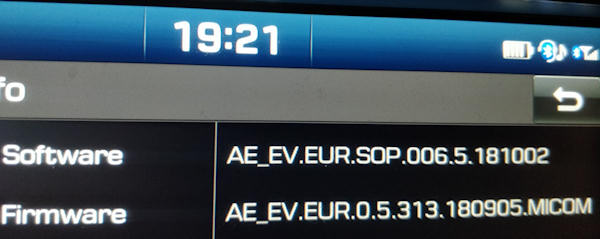
1. Download the latest firmware (13.93GB) Hyundai_EU_All_Software_2019-1.2
2. Copy all the files to a Micro SD card
3. Power on your Ioniq.
4. Remove the map Micro SD card from beneath the screen.
5. Insert the update Micro SD card.
6. When asked, accept the firmware update by pressing OK.
7. Wait patiently for the update to finish, about 10 minutes.
8. Remove the update Micro SD card and reinsert the map Micro SD card.
Enjoy your improved Ioniq
This firmware has new features:
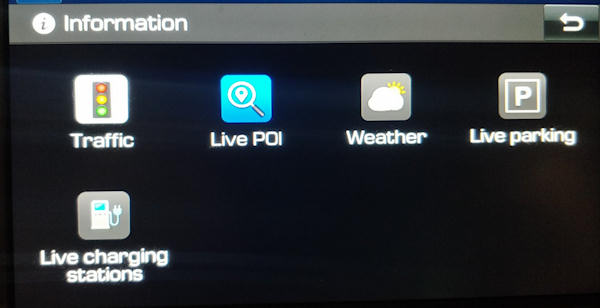
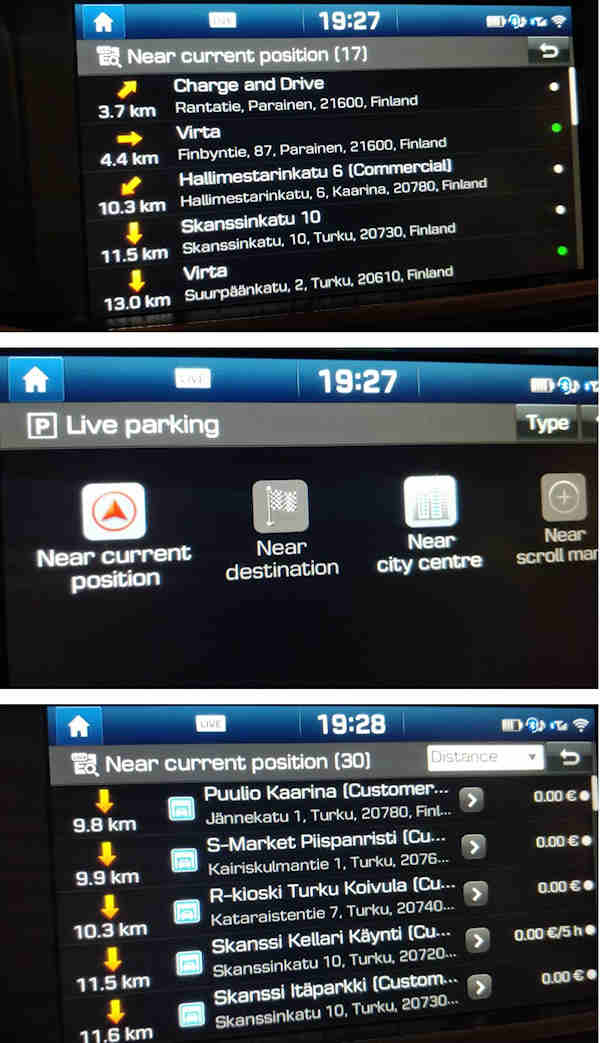
- LIVE charging stations (search in "near your position", "near destination", "near center" [of a city], "near cursor") with partial availability display and filter option by connection type
- LIVE parking (option: "off the road" and "on the road") with cost display
- Display of LIVE delays in the Navi
- Heating: After the first test, the heater seems to warm up faster than the previous versions. When the vehicle was switched on, around 700W were immediately invested in the heater despite "driver only". After 60 seconds it was already 3.6kW. How the actual improvement turns out needs further investigation.
- Bluetooth: Switching between different Bluetooth devices via icon possible
- Telephony: Switching on a temporary private mode possible (hiding all synchronized contacts and call lists)
- Audio settings: new graph for top view visualization, display of fader and balance values (e.g., H-2 L-R)
Download section, see bottom of this page
firmware (13.93GB) Hyundai_EU_All_Software_2019-1.2
GPS Map for Europe 2019:
Mise à jour fw et sw (pour tous les modèles) Hyundai_EU_All_Software_2019-1.2
Hyundai_Gen2.0_Map_2019-1
Maps Gen. 4.0 - Hyundai_Gen4.0_Map_2019
Maps GEN 5.0 Mobis - Hyundai_Gen5.0_Mobis_Map_2019-1
Cartes GEN 5.0 LG - Hyundai_Gen5.0_LGE_Map_2019-1
Hyundai_Gen1x_Map_Software_2019


