


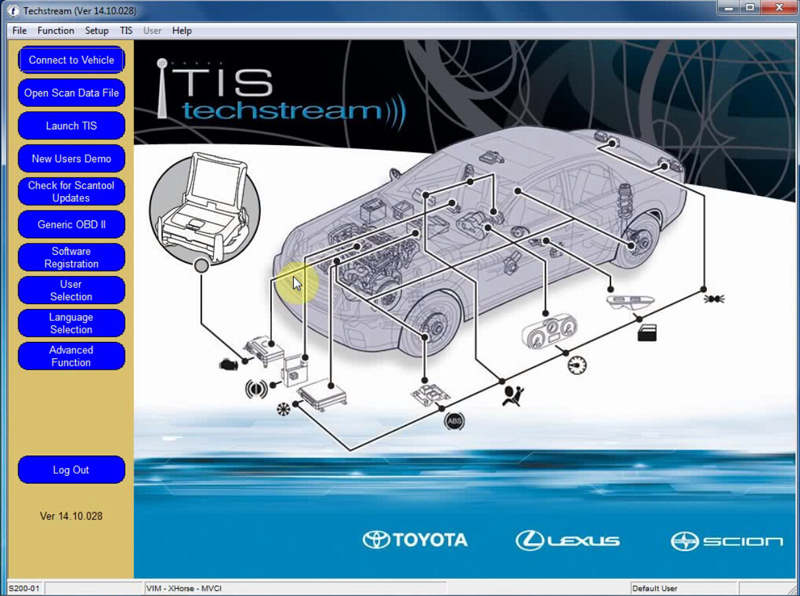
Copy dll and exe to the MainMenu.exe (C: \ Program Files (x86) \ Toyota Diagnostics \ Techstream \ bin \)
folder , -Lance Starter.exe and if you see a message stating that everything OK ("Code patched, try register "),
-When trying to create an account.
-Techstream asks to enter the key, enter the wrong, for example:
"000000000000000000000000000000005000151103083 6"
And click OK. At this point Techstream generates the right key, it catches my code and shows you so that you have copied. Restart the program with the usual shortcut and paste the copied key (can not remember, can run Starter.exe), and ask it to say Techstream OK.
After successful registration, you can run Techstream as usual, without Starter.exe.
Just do it for other regions.
Download section, see bottom of this page


